
Paying Past Due Invoices
When an account has one or more past due invoices, you can pay each invoice individually or follow these steps to take one payment to cover the entire past due balance.
Click on the cash register button next to the past due invoice you would like to pay and follow the steps.
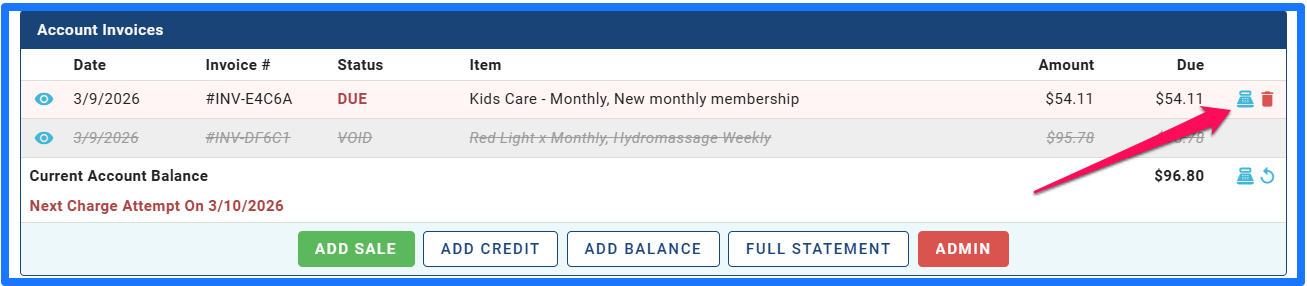
If you have multiple invoices due and would like to pay them all in one transaction, Click on the cash register icon next to the full balance due.
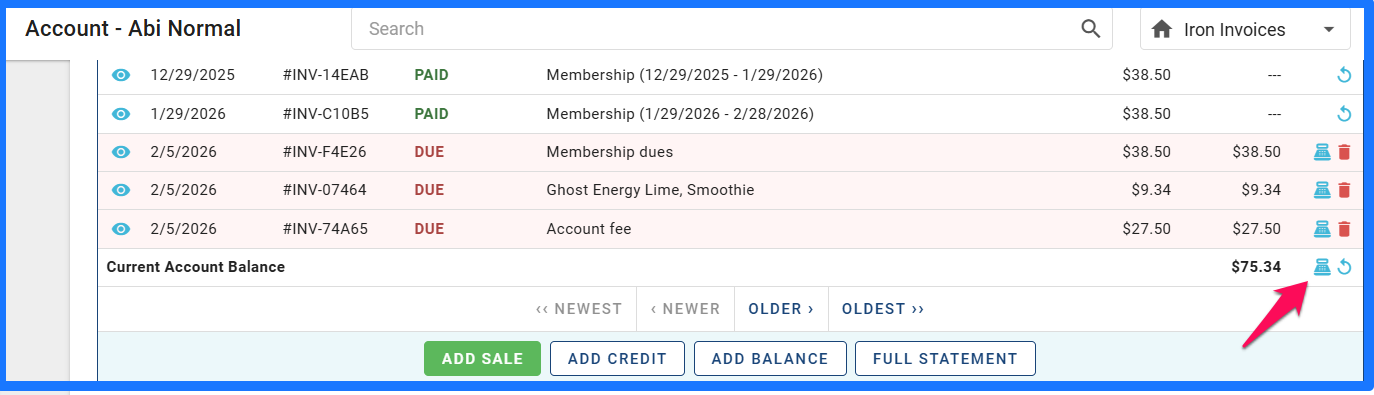
Then enter the amount the customer would like to pay. It can be a full amount or partial amount.
Click Next and you will be prompted to choose payment method.
This will now apply the funds to all open invoices.
