
Monthly Revenue Goals Dashlet
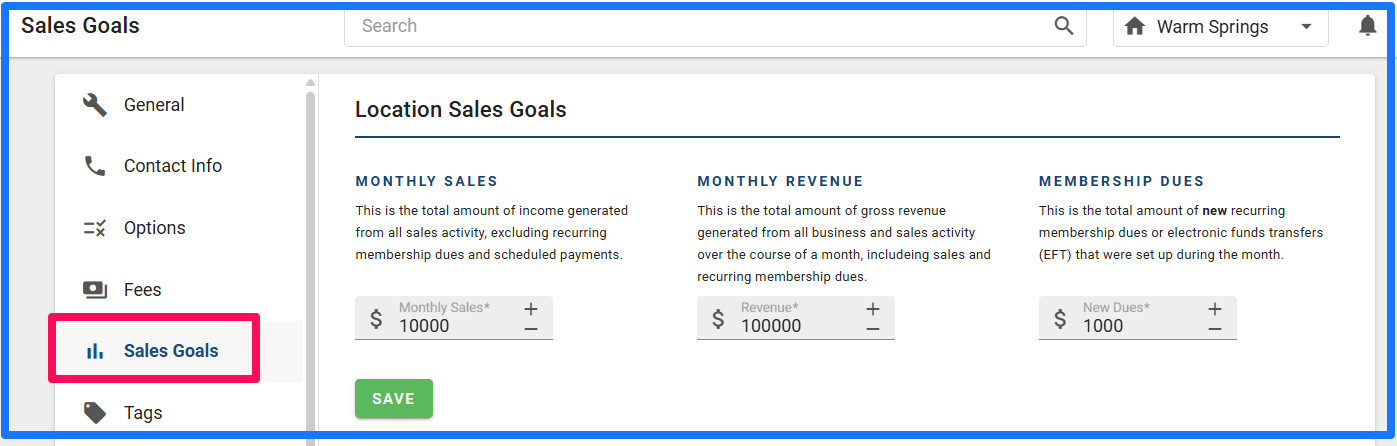
Gym owners can set their personal sales and revenue goals in Gym Insight. This allows them to have a quick view of their goals and how close they are to reaching them.
If you have not set your goals yet, you can easily set those in your Settings tab of the Home Menu.
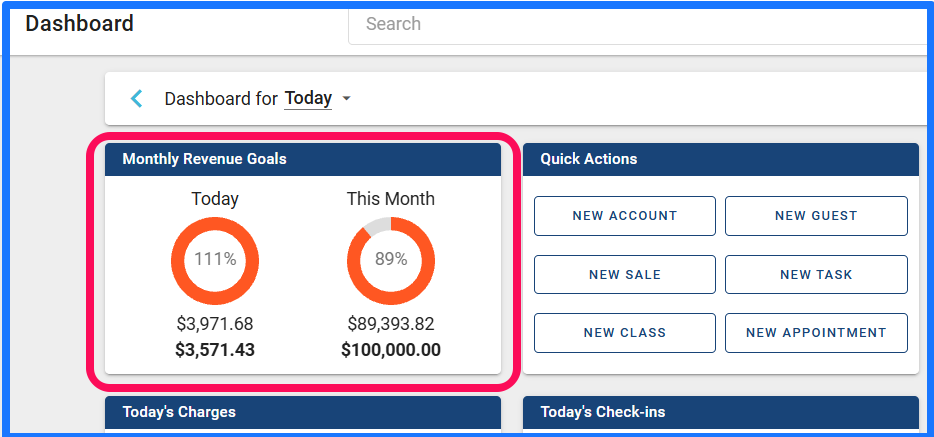
Now that you have that completed, you can see the quick view Dashlet on your Dashboard.
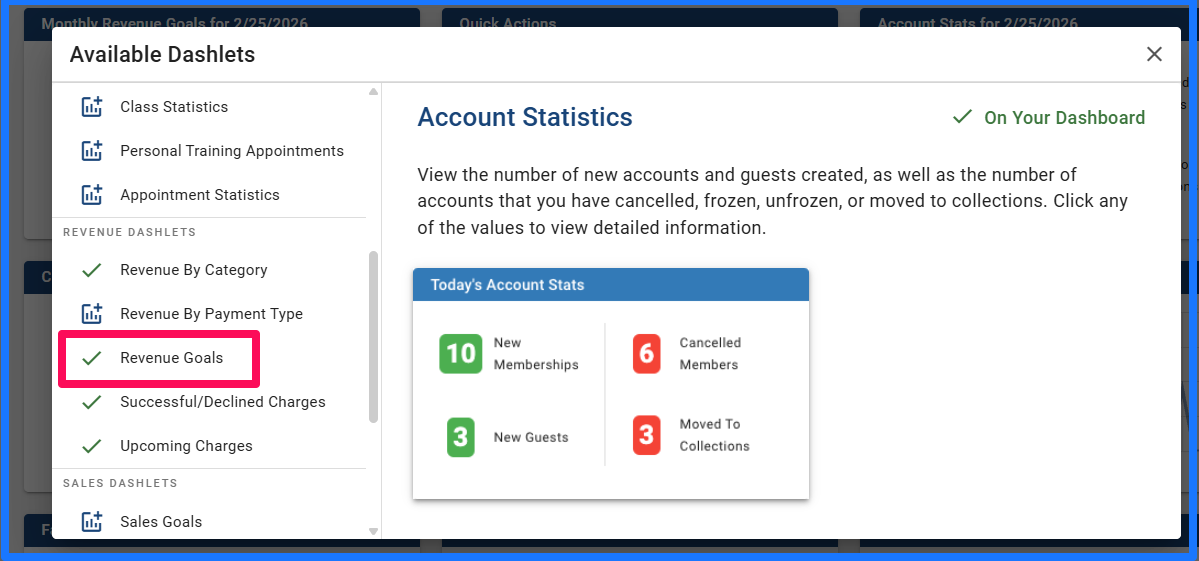
(If you do not see it on your dashboard, you can add it by clicking the + button on the top right of your dashboard and adding the Revenue Goals.)
Gym Insight uses an Accrual Based accounting model vs the alternative called a Cash Based Accounting Model.
The difference is when you receive the money vs when you earn or bill the money.
With the Accrual based model, when you charge $100 you are instantly owed that $100. That debt has value. So that goes into a category called revenue assessed. On your revenue reports you will see both fields for revenue assessed and revenue collected.
The Monthly Revenue Goals is going to show you the total assessed vs the total collected, since that assessed amount holds a value.
If you would like to see the total collected, visit your Revenue Report and select your date range. You can see both totals there.