
RFID Converter Installation Guide

RFID Connection
-
Run the RFID reader cable through the hole in the enclosure next to the RFID board.
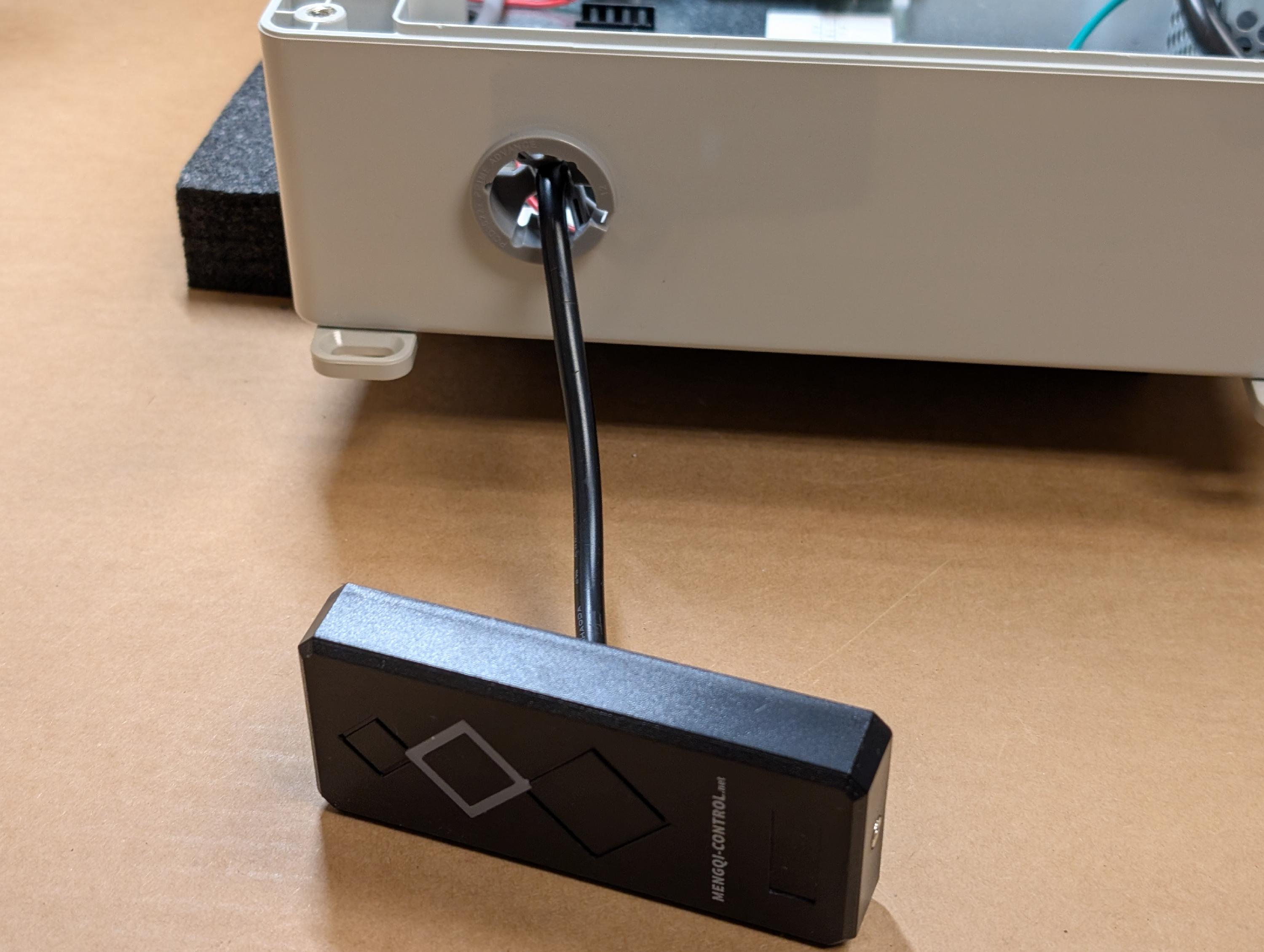
- a. For EM4100-compatible readers, connect the RFID wires in the following manner:

| RFID Board | Reader Wire | Color |
| VRdr | +V | typically red |
| W0 | D0 | typically green |
| W1 | D1 | typically white |
| Gnd | Ground | typically black |
| LED1 | varies | varies |
- b. For HID-compatible readers, connect the RFID reader wires in the following manner:

| RFID Board | Reader Wire | Color |
| VRdr | +V | typically red |
| W0 | D0 | typically green |
| W1 | D1 | typically white |
| Gnd | Ground | typically black |
| LED1 | varies | typically brown |
| LED 2 | varies | typically orange |
Scanner Connection
- All Configurations: Remove the knockout underneath the Scanner connection for the scanner wire.
2.a. Configuration 1 (uncommon): if there is an existing serial scanner already installed with its DB9 connector and power supply barrel jack intact, route that into the serial board as shown here:

2.b. Configuration 2 (uncommon): If the scanner cable is DB9 cable and not intact and/or needs to be routed and is , connect the scanner wires into the easy-connector terminal as shown.

2.c. Configuration 3 (most common): If the scanner cable is Category 5 or 6 Ethernet, attach the scanner wires to the easy connector in the following manner:

| Terminal | Scanner Wire |
| 2 | Orange |
| 3 | White / Orange |
| 7 | White / Brown |
| 8 | Blue |
| 5 | Green (scanner ground) and Silver (shield) |
| Red | White / Blue (scanner power) |
3. All configurations: Replace the knockout for the scanner cable.

4. Connect the Cat 5 or Cat 6 cable from the Insight Access computer to the scanner board.

Door Lock Connection
- Connect the door lock wires to the terminal. NOTE: THIS DOES NOT SUPPLY POWER TO THE LOCK. SEPARATE "WET" CONTACTS MUST BE PROVIDED TO POWER THE LOCK.

For Maglock locks:
| Scanner Board | meaning |
| NO | Normally Open |
| COM | Common |
For Strike locks:
| Scanner Board | meaning |
| NC | Normally Closed |
| COM | Common |
- Plug the terminal block into the scanner board as shown:
For support please contact Gym Insight at 1-855-FOR-GYMS | 1-855-367-4967
